
Get Professional & Realistic photos of youself in mintues!

See the Difference Between Our Technology and Others - Our Results Guarantee


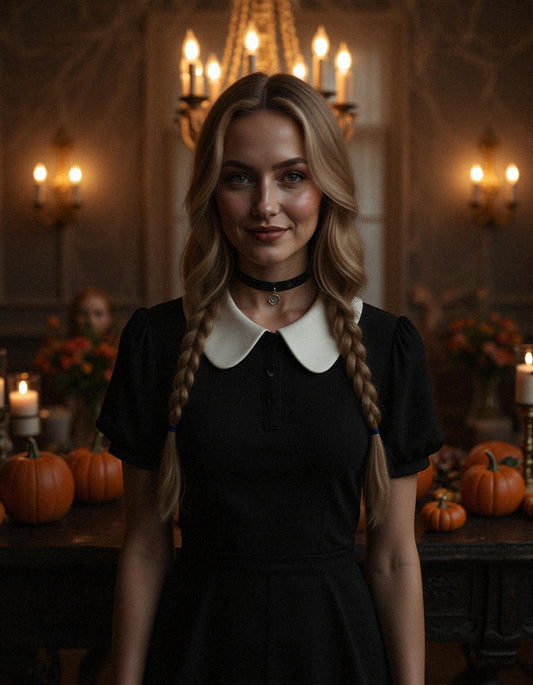
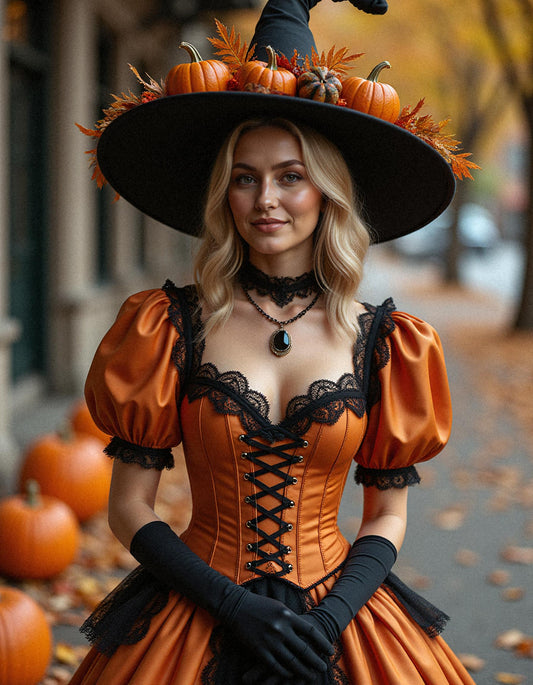
Special Edition Halloween


Ready To get your own photos? Choose a Pack you wish to get ...
-
DATING - WOMEN
Regular price $29.75 USDRegular price -
DATING - Man
Regular price $29.75 USDRegular price -
THE MALE MODELS PACK
Regular price $19.75 USDRegular price -
The Studio Look - Woman
Regular price $19.75 USDRegular price -
The Studio - Man
Regular price $19.75 USDRegular price -
The Natural Look - Woman
Regular price $19.75 USDRegular price -
The Corporate Pro Profile - Female
Regular price $19.75 USDRegular price -
The Corporate - Male
Regular price $29.75 USDRegular price -
Million Dollar Baby - Woman
Regular price $29.75 USDRegular price -
Million Dollar Baby - Man
Regular price $29.75 USDRegular price -
The Business Man
Regular price $29.75 USDRegular price -
Lawyer - Man
Regular price $29.75 USDRegular price -
Lawyer - Woman
Regular price $29.75 USDRegular price -
Facebook Profile - Man
Regular price $29.75 USDRegular price -
For Linkedin - Man
Regular price $29.75 USDRegular price -
Linkedin - Woman
Regular price $29.75 USDRegular price -
The Premium Pack - Man
Regular price $49.75 USDRegular price -
Premium Woman
Regular price $49.75 USDRegular price -
The Black & White for Men
Regular price $29.75 USDRegular price -
Black And White - Woman
Regular price $29.75 USDRegular price -
The Sexy Set - Man
Regular price $29.75 USDRegular price -
Halloween 2025 The Full Pack
Regular price $28.99 USDRegular price -
Halloween 2025 The Small Pack
Regular price $16.99 USDRegular price -
Halloween 2025 The Spooky Pack
Regular price $28.99 USDRegular price -
Sweet Halloween 2025
Regular price $19.99 USDRegular price

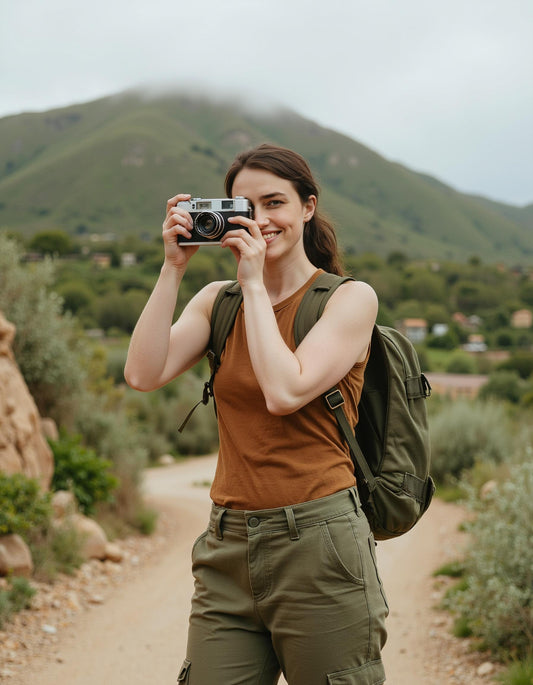

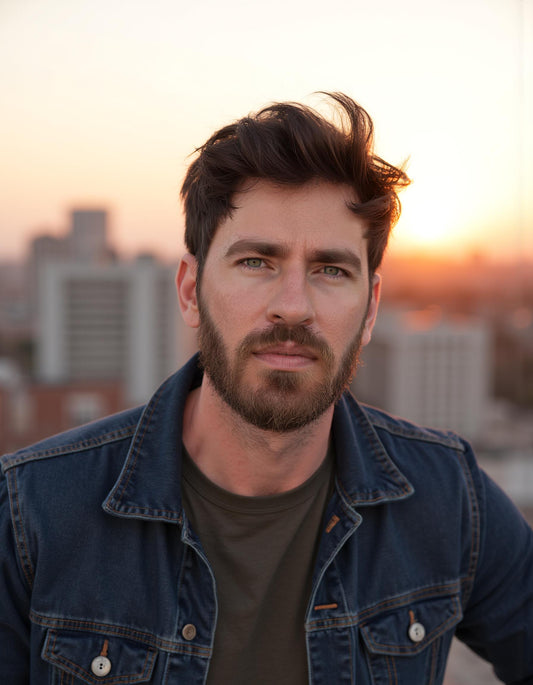



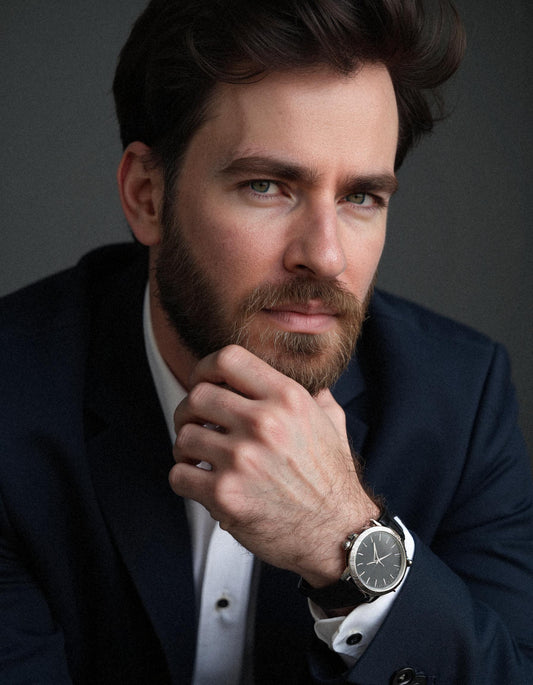

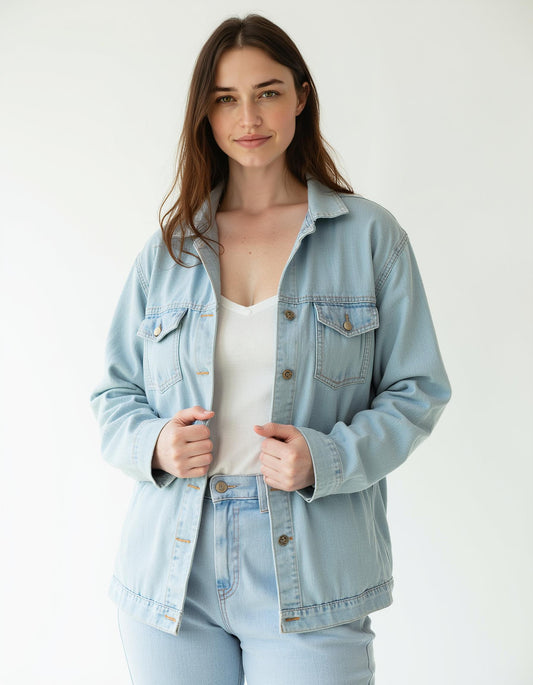

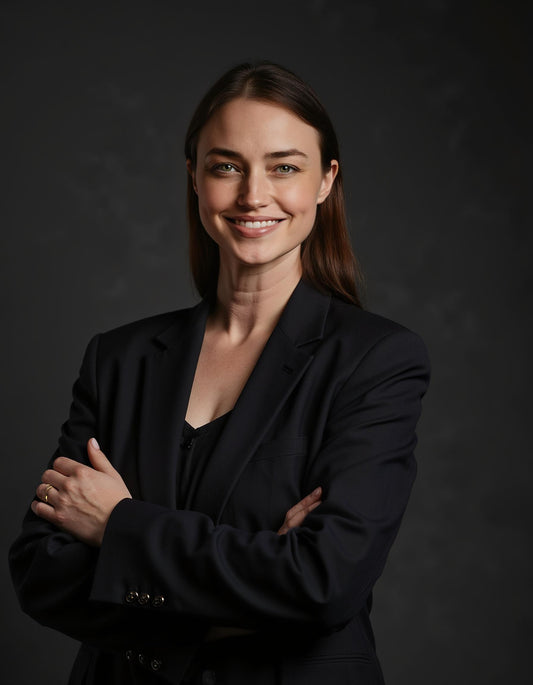


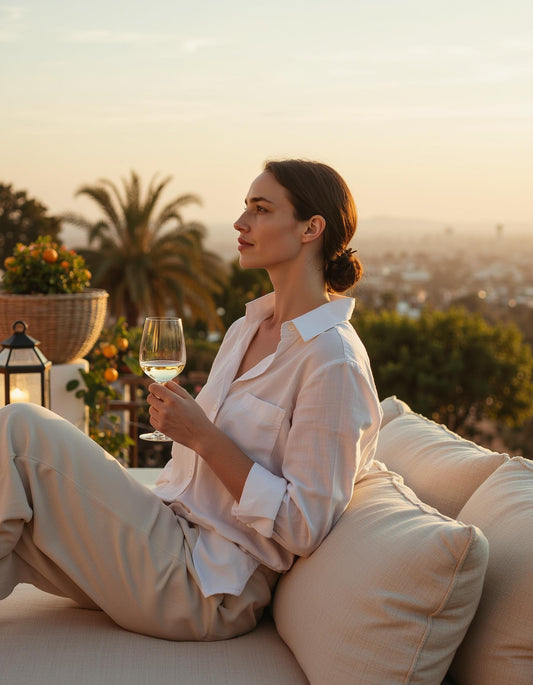

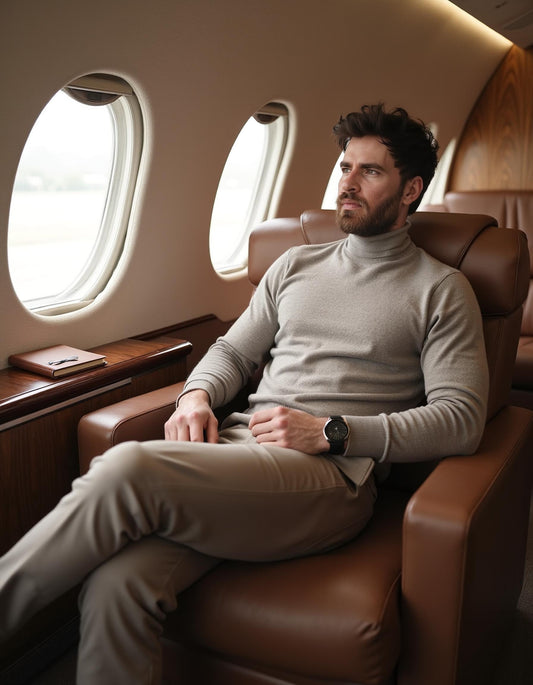

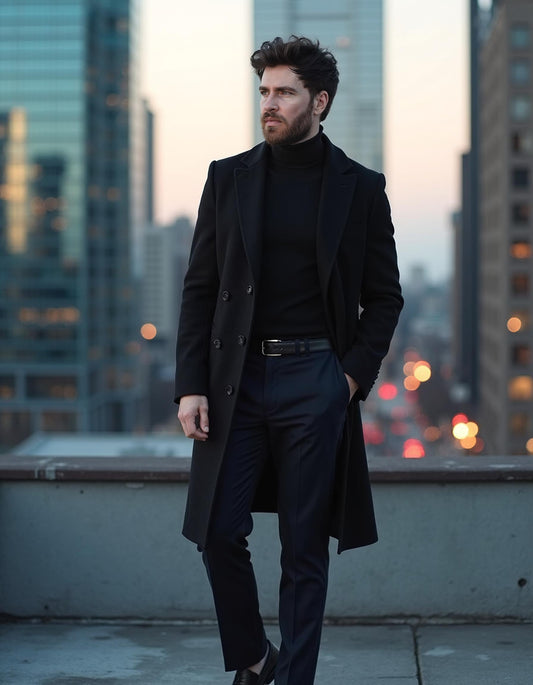

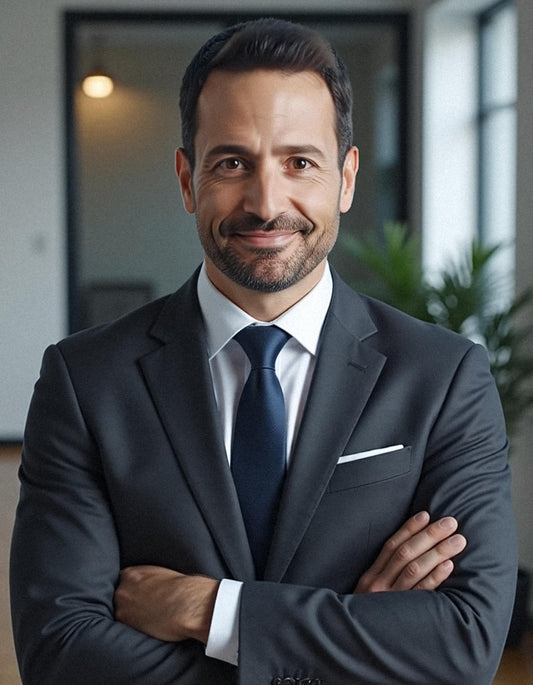

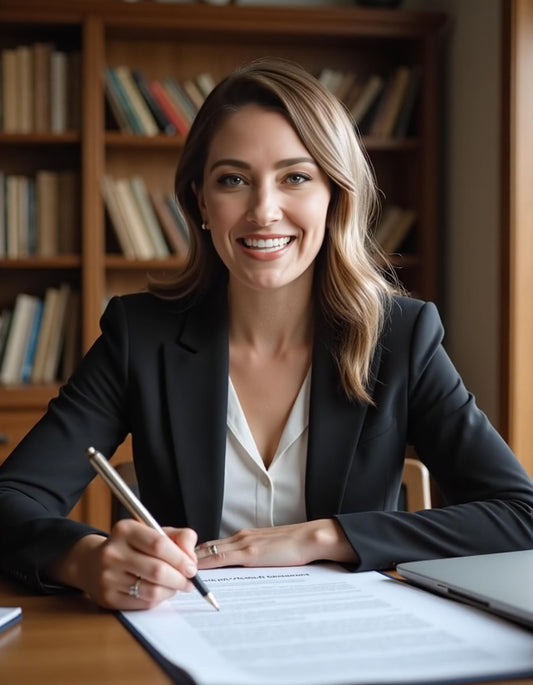

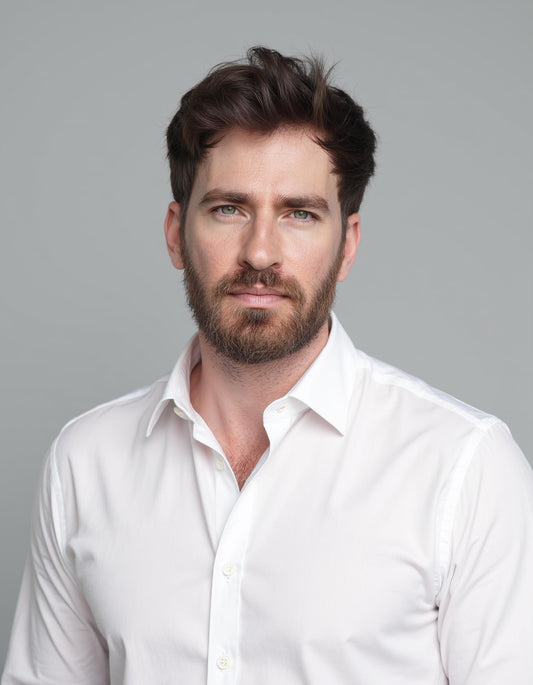

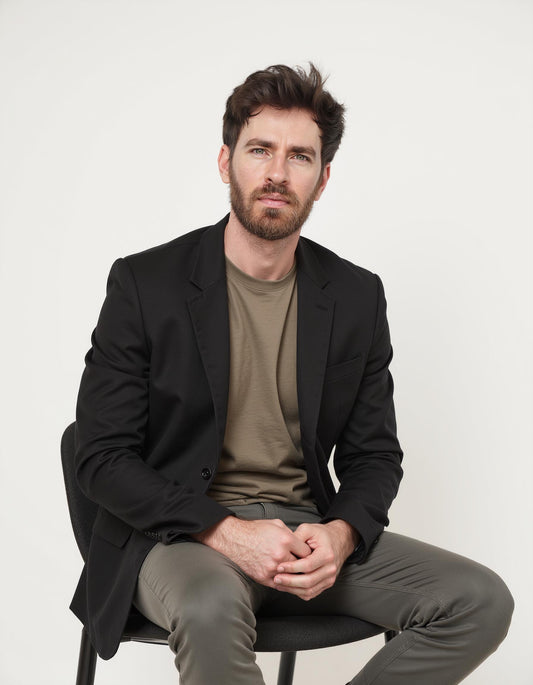

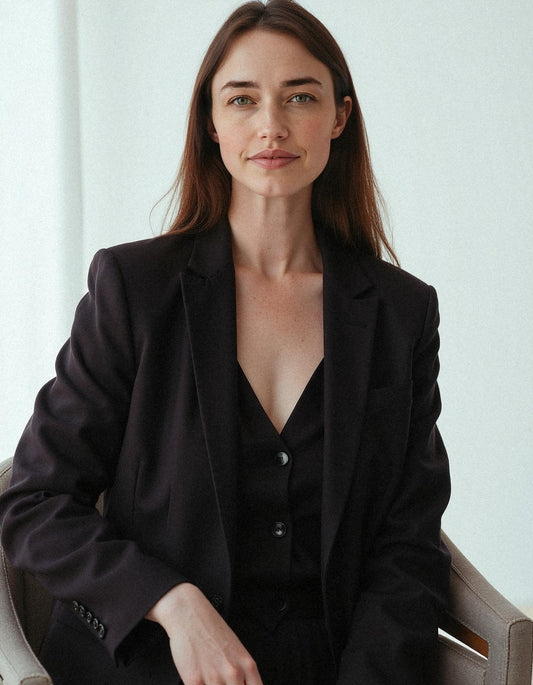



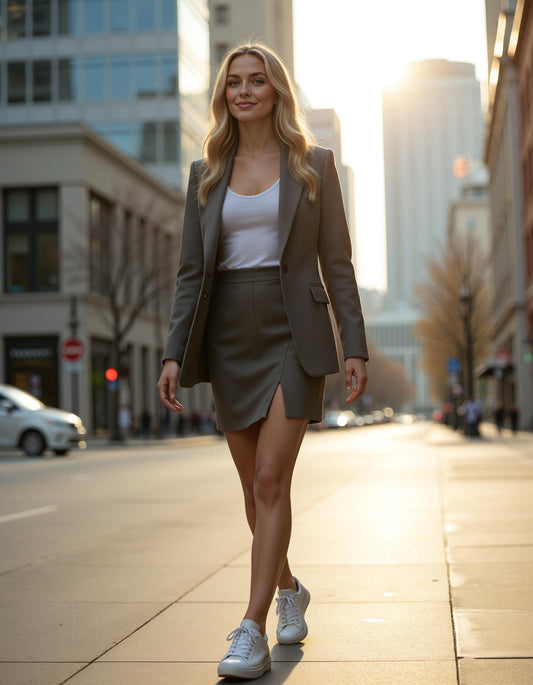

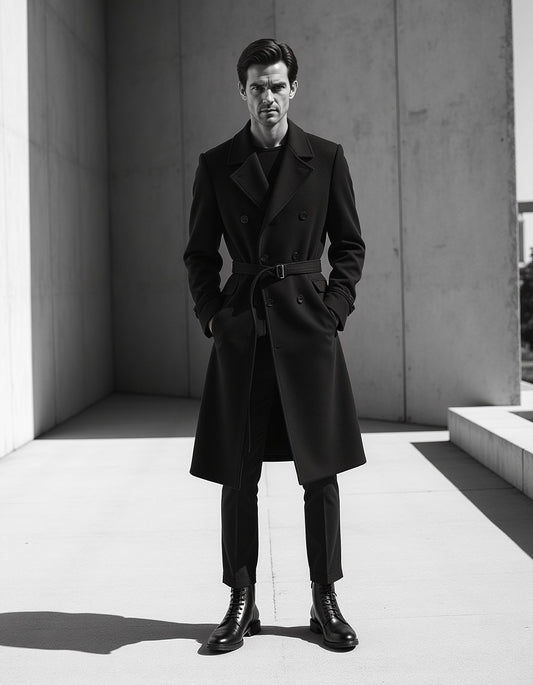

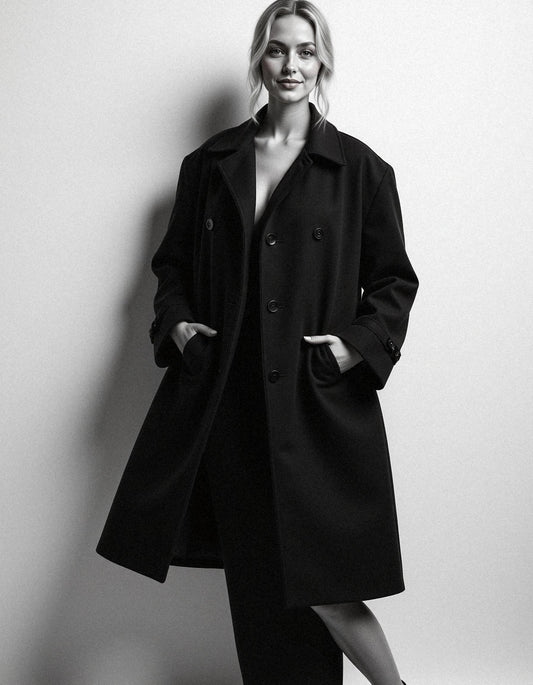

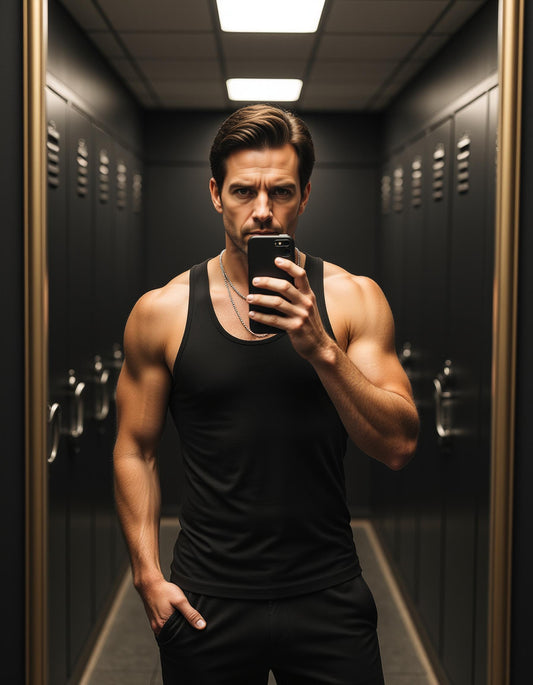

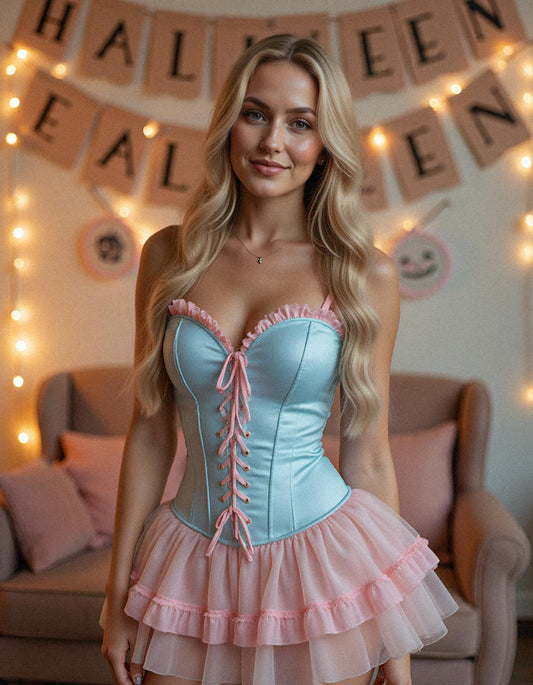

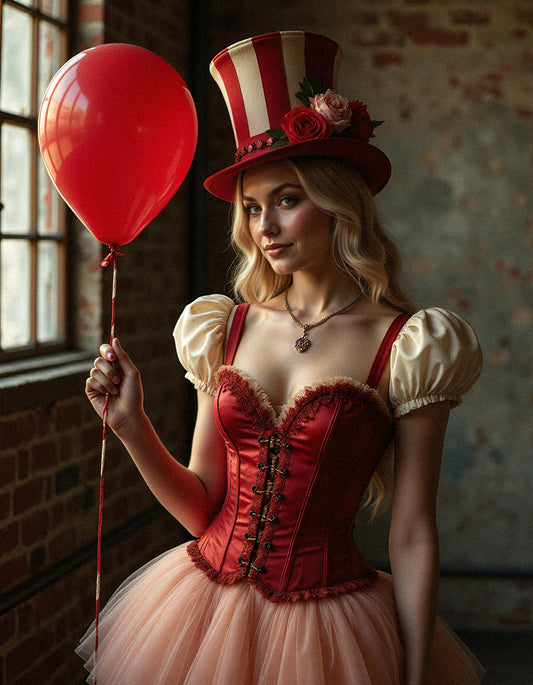


PREMIUM


Buy one pack, get the second for 50% off.
Limited time offer - Don't miss out!
Editor's Pick
-
The Premium Pack - Man
Regular price $49.75 USDRegular price -
The Business Man
Regular price $29.75 USDRegular price
JOIN OVER 250,000 HAPPY CUSTOMERS!


SUCESS ON TINDER
First impressions matter - especially on dating apps. Our service transforms your regular selfies into stunning, high-quality photos that make you stand out instantly. No expensive photographers, no complicated shoots - just upload a few selfies and receive a professional portfolio designed to get you noticed.
Join hundreds of happy clients who boosted their matches and even found love simply by upgrading their photos.

DICOVRE YOUR MODELING POTENTINAL


Contact form
Frequently Asked Questions
Find answers to common questions about our products and services.
-
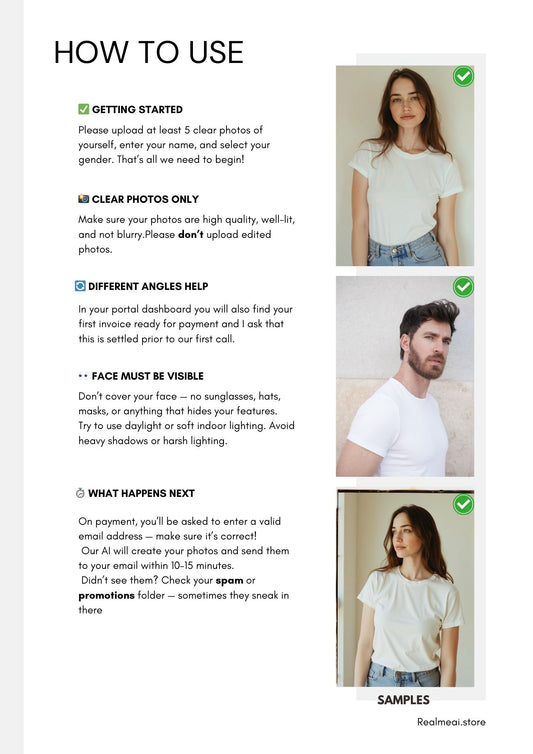
Upload 6–10 high-quality images. Include 1–2 clear close-ups of your face, 2–3 half-body shots, 1–2 full-body shots and a mix of front and side angles.
Avoid group photos, sunglasses, heavy filters, or overly edited images for the best AI results. -
Natural daylight works best for training photos. Stand near a window indoors or in shaded outdoor areas.
Avoid harsh midday sun, strong shadows, or mixed light sources that can confuse the AI processing and result in inconsistent lighting in your generated images. -
Plain walls, clean indoor spaces, or uncluttered outdoor scenes help keep the focus on you.
Simple backgrounds allow the AI to better identify and learn your features without distracting elements that could interfere with the training process. -
Use a mix of neutral, smiling, and candid expressions. Capture slightly different angles to give the AI system more data to work with.
This variety helps create more natural and diverse results in your final generated photos. -
Use photos taken within the same general time period so your appearance is consistent across all uploads.
Avoid mixing photos from different years or with dramatically different hairstyles, facial hair, or weight changes. -
Don't upload blurry or low-resolution images, use outdated pictures that don't match your current look, crop out important features like chin or forehead, overexpose or underexpose images, or wear hats and accessories that hide your face.
-
Wear outfits that fit your intended style (professional, casual, creative, etc.). Maintain good posture to enhance your appearance in the final images.
Use neutral or complementary colors for clothing so they don't clash with generated backgrounds. -
If possible, take a fresh set of photos. Include at least one image with a natural smile, but avoid using only smiling photos.
Fresh, purpose-shot images often yield better results than repurposed social media photos. -
The better your input images, the better your results.
Clean, sharp, and well-lit photos allow our AI system to create more realistic and flattering final shots that truly reflect your appearance and personality. -
Before finalizing your upload, review all selected images to ensure they meet quality standards.
Check for proper lighting, clear focus, appropriate framing, and consistent appearance. Taking time to curate your selection will significantly improve your final results.